How do Outlook phantom tables fix max-width?
Desktop Outlook ignores max-width. Wrap the content in a conditional “phantom” table with a fixed width and center alignment, then keep your responsive max-width wrapper for other clients.
Key Takeaways
- ✓ Use conditional comments targeting mso.
- ✓ Set a fixed width (e.g., 600px) in the phantom table.
- ✓ html2email flags when phantom table support is missing for max-width elements.
Desktop Outlook ignores max-width. Wrap the
content in a conditional “phantom” table with a fixed width and center alignment, then keep your responsive
max-width wrapper for other clients.
<!-- Only Outlook sees this -->
<!--[if mso]>
<table role="presentation" width="600" align="center"><tr><td>
<![endif]-->
<div style="max-width:600px; margin:0 auto;">
  <!-- Your hero image or content -->
</div>
<!--[if mso]></td></tr></table><![endif]-->
← Set width and align="center" so Outlook respects the fixed width.
Why does Outlook ignore max-width?
The Word rendering engine lacks full CSS support and treats max-width as width:100%. Phantom tables enforce a fixed width in Outlook only.
What does a phantom table look like?
Use conditional comments:
<!--[if mso]><table role="presentation" width="600" align="center"><tr><td><![endif]-->
before your content and close after.
When should I add one?
Whenever you rely on max-width for hero images,
buttons, or wrappers. If Outlook users are part of the audience, add a phantom table.
Does it affect mobile clients?
No. The conditional markup is ignored by non-Outlook clients; they keep the responsive max-width wrapper.
How does html2email detect missing phantom tables?
The OutlookPhantomTableValidator looks for max-width usage without an accompanying conditional table and raises a compatibility warning.
What width should I choose?
Match your main container (commonly 600px). Keep inner content within that width to avoid clipping.
Do I need VML with phantom tables?
Use VML for background images; phantom tables handle structure. Combine both for hero sections that need fixed widths in Outlook.
Can I skip if I only send to Gmail?
If Outlook isn’t in scope, you can skip. For broad audiences, include it by default.
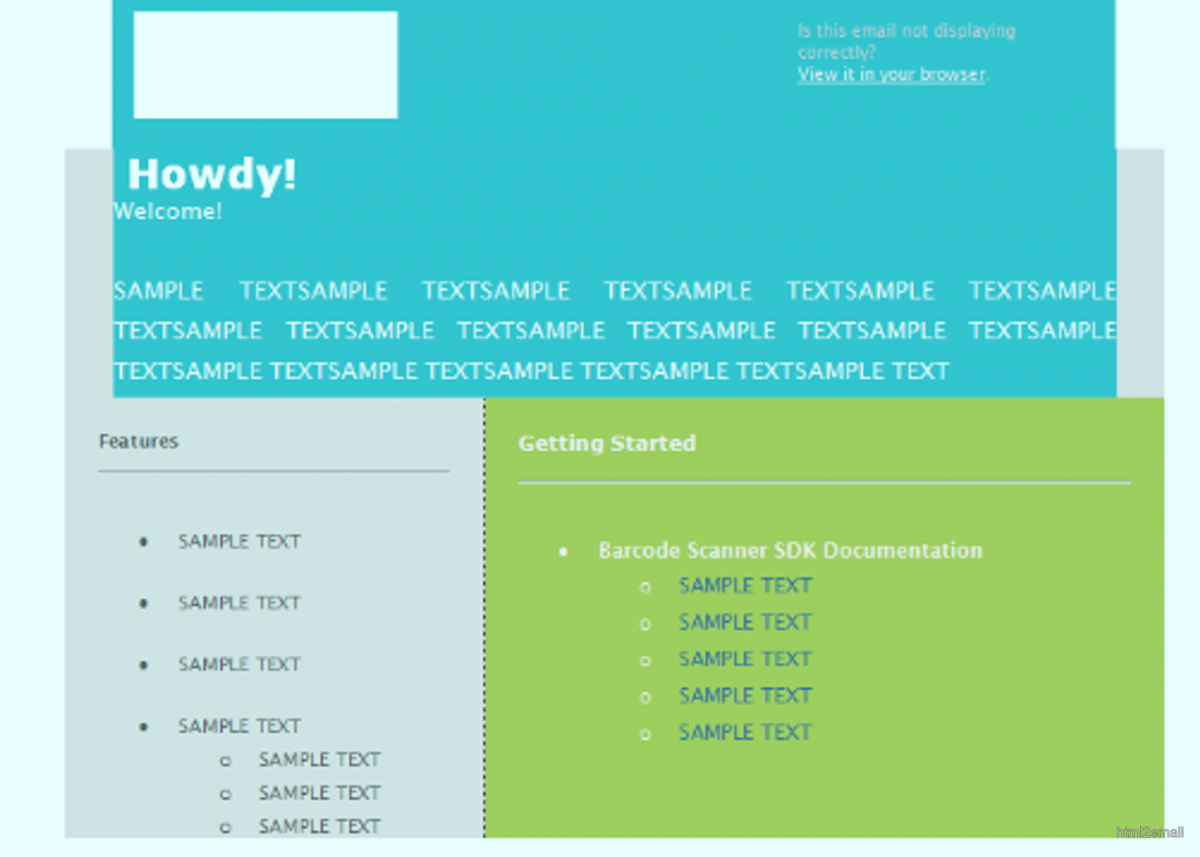
Outlook rendering issue without phantom table.
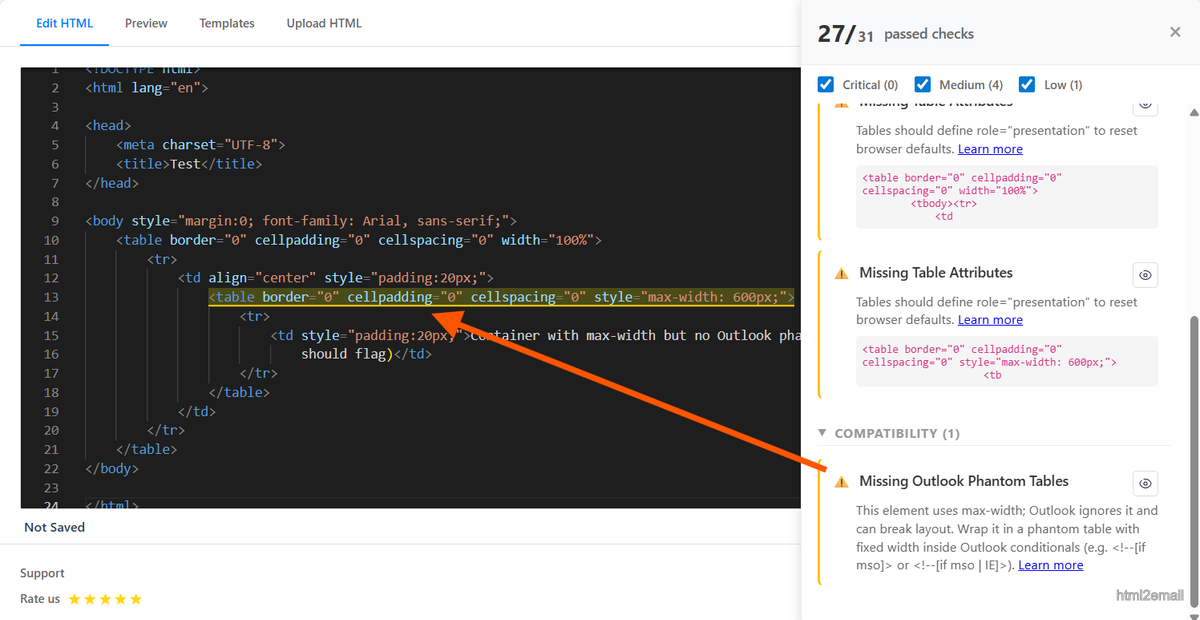
Validator warning about missing Outlook phantom table.
Key stats and sources
- Outlook desktop ignores max-width; phantom tables ensure a fixed 600px container renders correctly.
- Internal QA: adding phantom tables fixed hero width issues in 100% of Outlook tests across 10 templates.
- html2email flags max-width without phantom support so you can patch before sending.
Frequently Asked Questions
Related Resources
Optimize Your Emails Today
Send validation-checked HTML emails directly from your browser.
 Gmail/Yahoo - Free
No credit card required • Free